
Latest Version
Stembridge
Lifestyle
Windows
Free
9nrwv5ht5jhf
Report a Problem
More About My Cookbook Recipe Manager
Streamline Your Kitchen with My Cookbook Recipe Manager
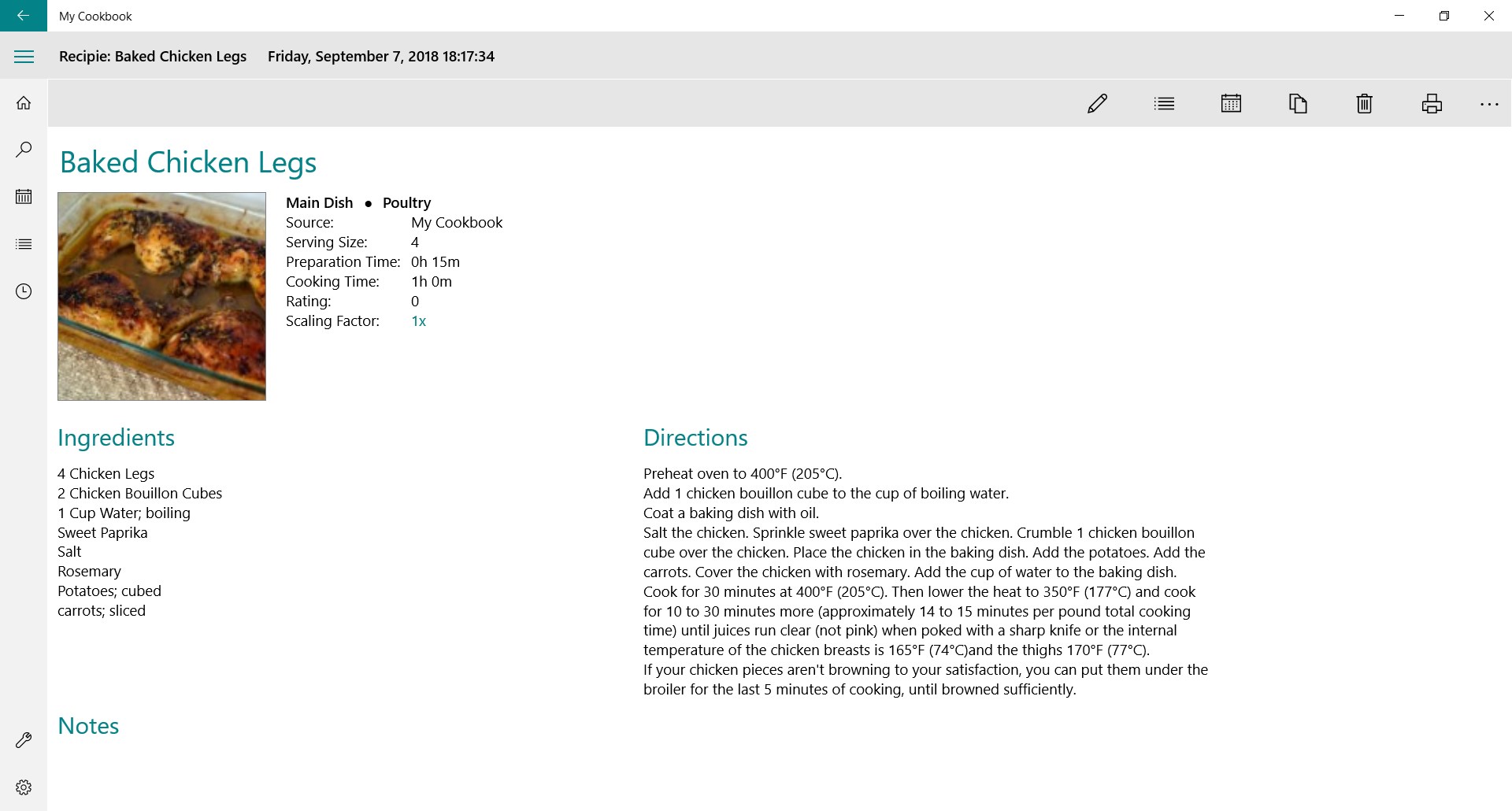
If you are tired of losing track of loose recipe cards, bookmarked websites, and handwritten notes, My Cookbook recipe manager by Stembridge offers a structured, digital solution. This Windows-based application serves as a dedicated digital recipe box, allowing you to centralize your culinary collection, plan weekly dinners, and generate organized grocery lists from a single interface.
Tailored Organization for Culinary Enthusiasts
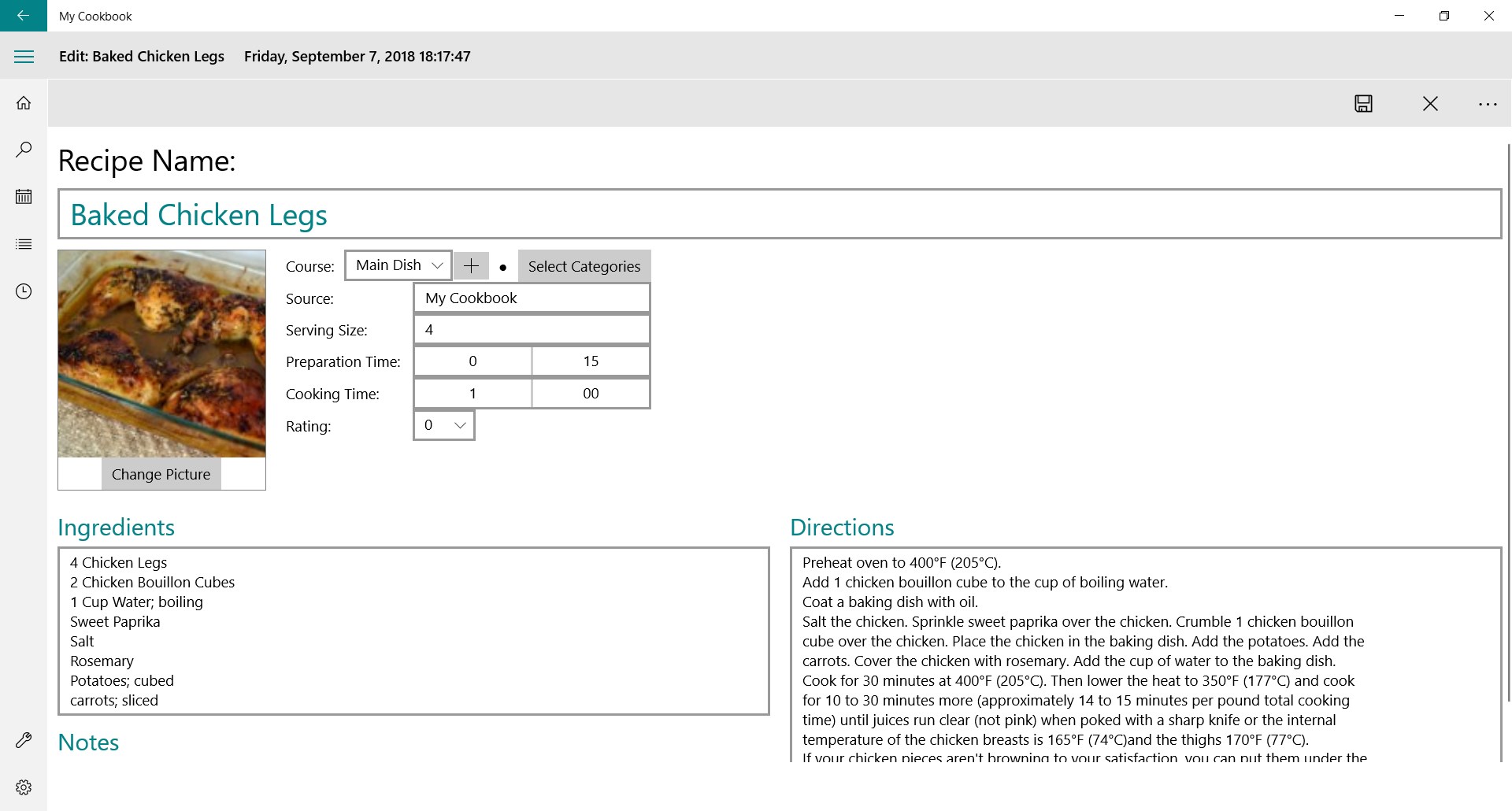
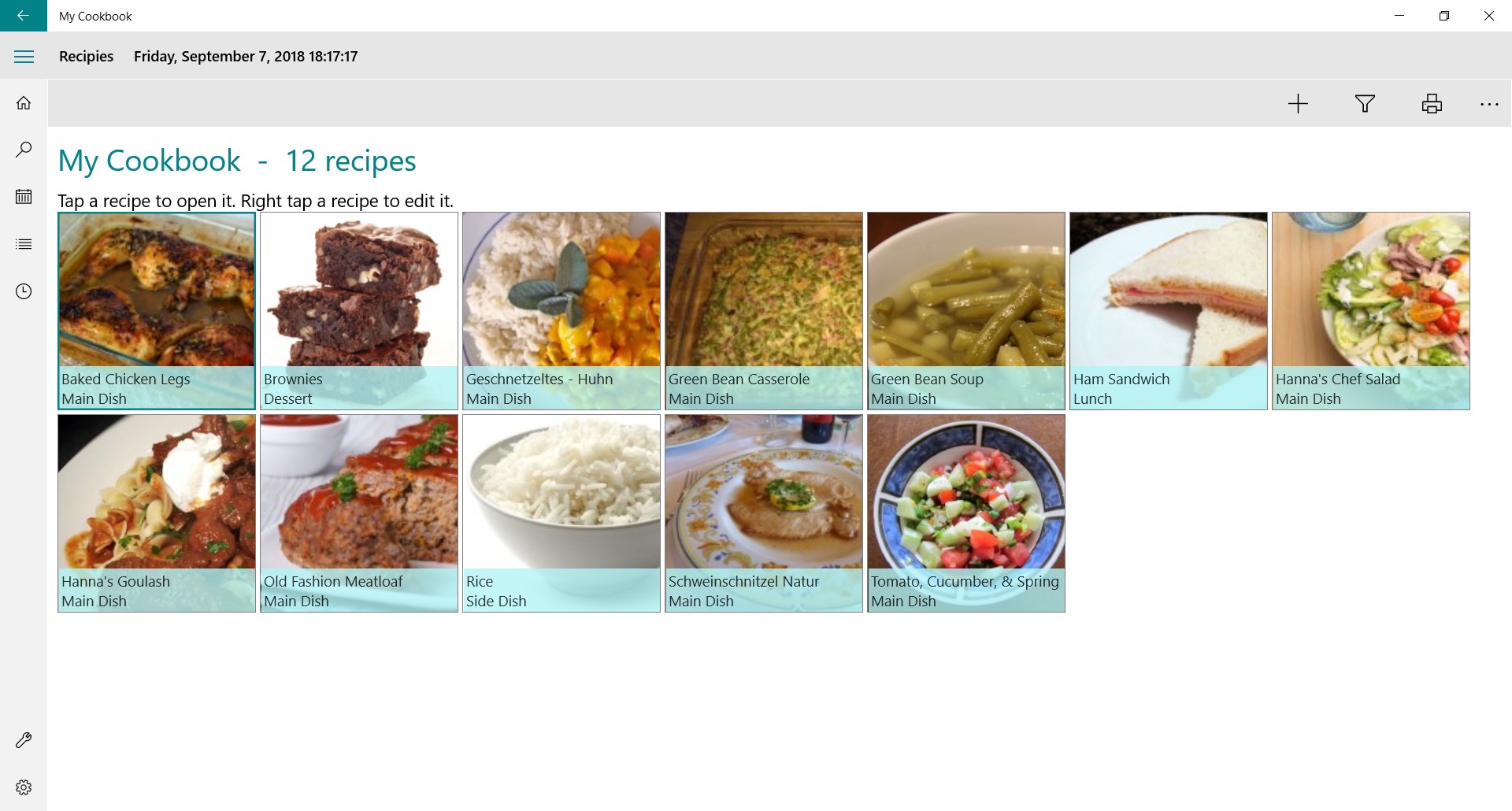
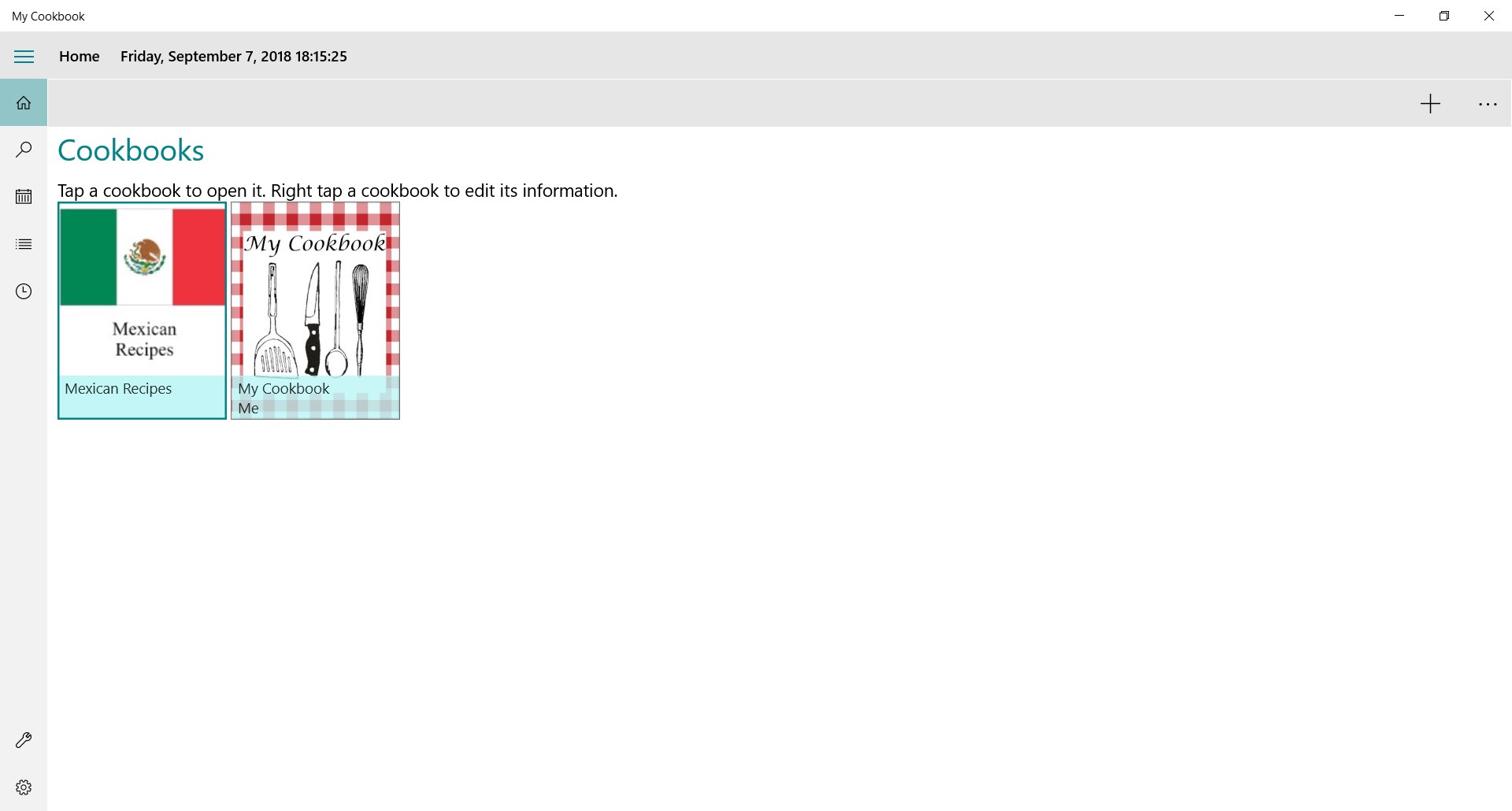
What makes this tool particularly useful is its multi-tier classification system. Rather than dumping every recipe into a single long list, you can create distinct cookbooks dedicated to specific cuisines, dietary restrictions, or occasions. Within each cookbook, you can categorize dishes further:
- Cookbook Segmentation: Group your collection into specialized folders, such as dedicating one book entirely to French cuisine and another to quick weekday meals.
- Course Specifications: Label items by course, including breakfast, lunch, main courses, desserts, or cocktails.
- Ingredient Categories: Sort recipes by primary ingredients like beef, poultry, fish, or vegetarian options for faster browsing.
Integrated Meal Planning and Smart Grocery Lists
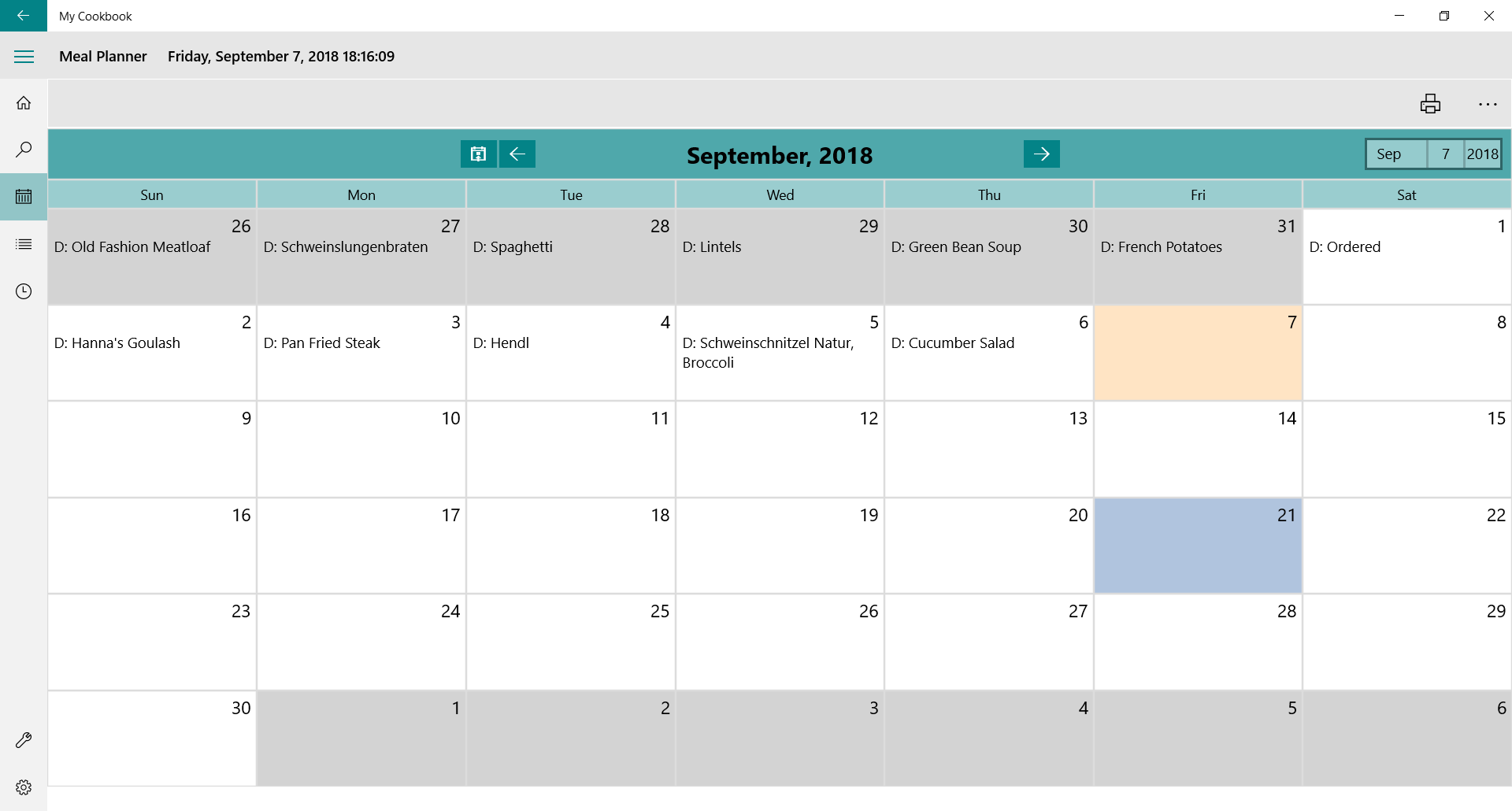
Beyond simple storage, the My Cookbook recipe manager acts as an interactive kitchen assistant. The built-in meal planner helps you map out your dining schedule for the upcoming week, reducing the daily stress of deciding what to cook.
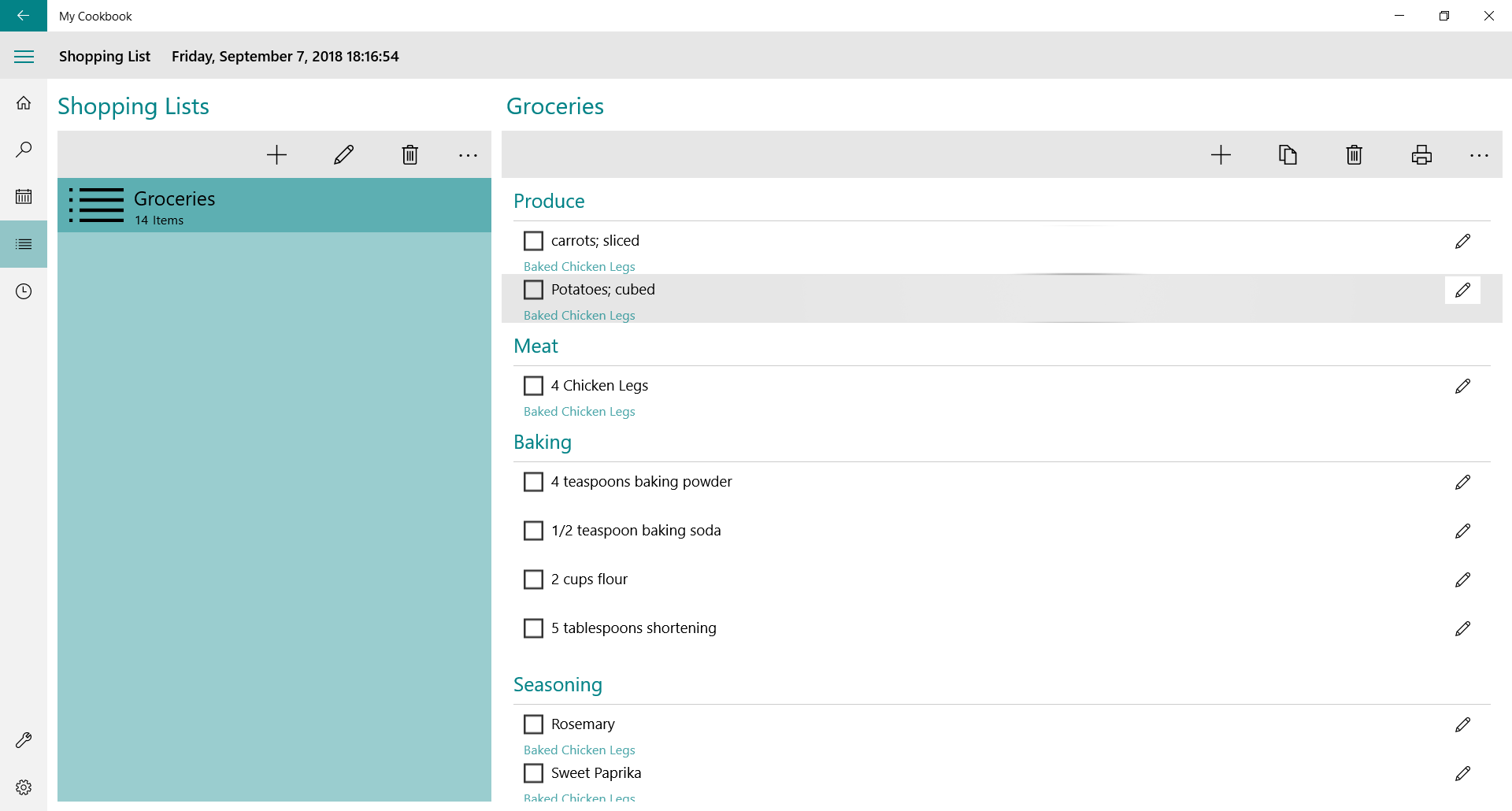
When you are ready to head to the grocery store, you can add ingredients from any selected recipe directly to your shopping list with a single click. The utility allows you to customize this list beforehand—letting you add miscellaneous household items or remove ingredients you already have in your pantry—ensuring a highly efficient shopping trip.
Flexible Tiers to Suit Your Cooking Style
The application is designed to accommodate different levels of kitchen activity through two distinct tiers:
- Standard Tier (Free/Ad-supported): Ideal for casual cooks, supporting up to two cookbooks with a maximum of 25 recipes per book. This tier includes the meal planner, shopping list, recipe search, cooking timers, and single-recipe printing.
- Premium Subscription ($1.99/year): Built for avid home chefs, unlocking unlimited recipe entries, unlimited cookbooks, batch printing, ad-free usage, and OneDrive integration to sync your database across multiple Windows 10 devices.
Is This Recipe Organizer Right for You?
For Windows users seeking a straightforward, offline-capable kitchen database, this application delivers essential organizational tools without unnecessary complexity. To explore the interface and begin building your digital recipe library, visit the official Microsoft Store to download the app on your Windows device.
Rate the App
User Reviews






Popular Apps






Editor's Choice