

Latest Version
Microsoft Corporation
General
Mac
Free
784801555
Report a Problem
More About Microsoft OneNote Digital Notebook Review
In a world of structured, linear text editors, the Microsoft OneNote digital notebook stands out by offering an entirely unconstrained free-form canvas. Developed by Microsoft Corporation for the Mac platform, this powerful application functions like a physical binder without physical limitations, allowing professionals, students, and creatives to organize their thoughts exactly how they think.
An Infinite, Free-Form Creative Canvas
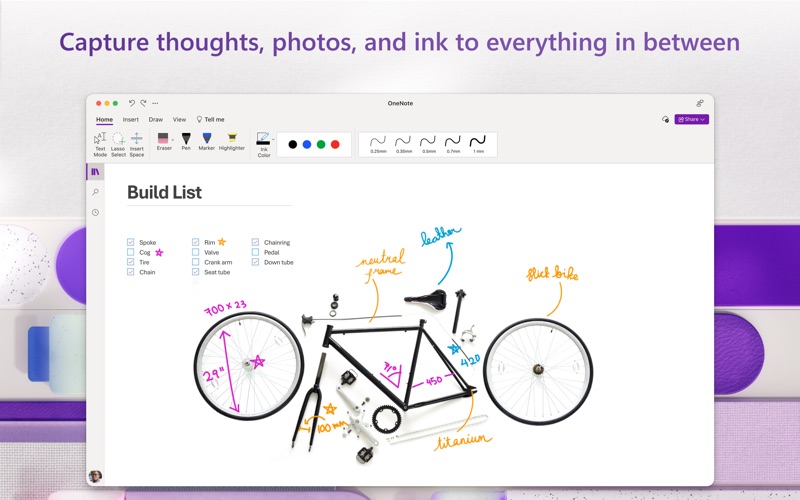
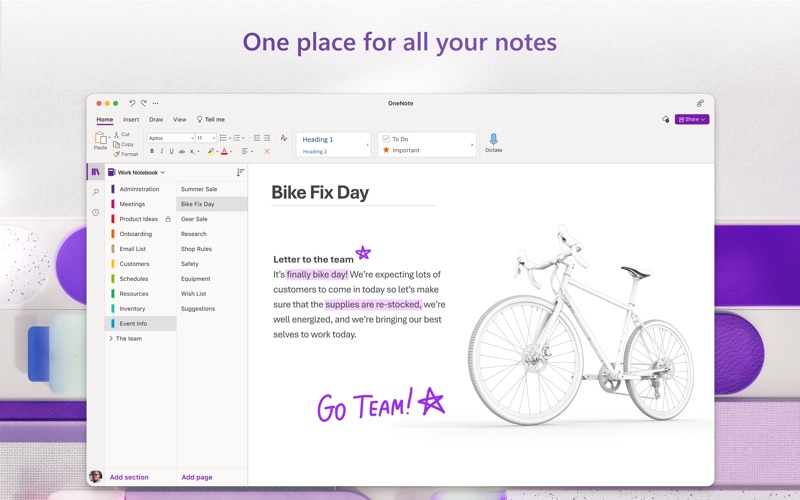
Unlike traditional document editors that force you to write from top to bottom, the Microsoft OneNote digital notebook lets you click and type anywhere on the screen. You can position text boxes, drag-and-drop images, and attach project files side-by-side to create a visual layout that matches your mental workflow. For users who prefer a tactile approach, the application supports digital pen inputs for sketching, handwriting, and annotating. Its intelligent "Convert to Shapes" tool even refines hand-drawn diagrams into perfect geometric shapes automatically.
Robust Organization and Secure Information Management
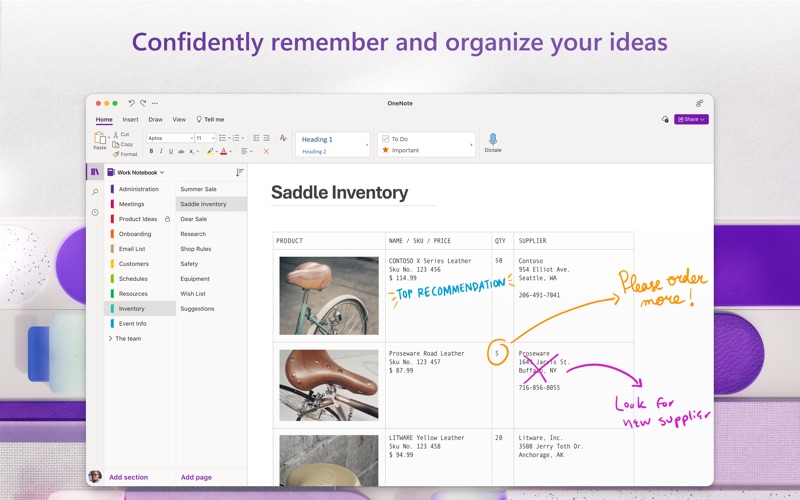
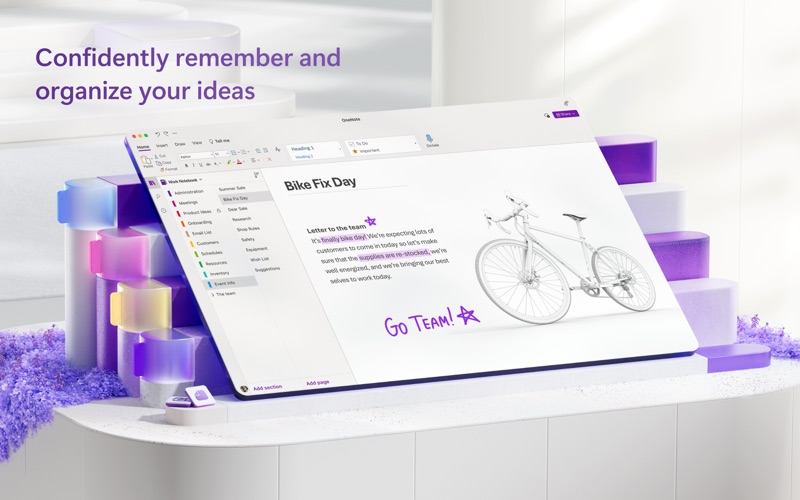
Keeping track of complex projects is simplified through an intuitive system of multi-colored tabs, sections, and custom labels. Users can easily partition their work into dedicated notebooks, rename sections on the fly, and pin high-priority pages to the top of their list for instant retrieval. To protect sensitive business plans or personal logs, OneNote offers robust password-protection features, ensuring your private data remains secure while still allowing you to track daily tasks and flag meeting items efficiently.
Real-Time Collaboration and Cloud Syncing
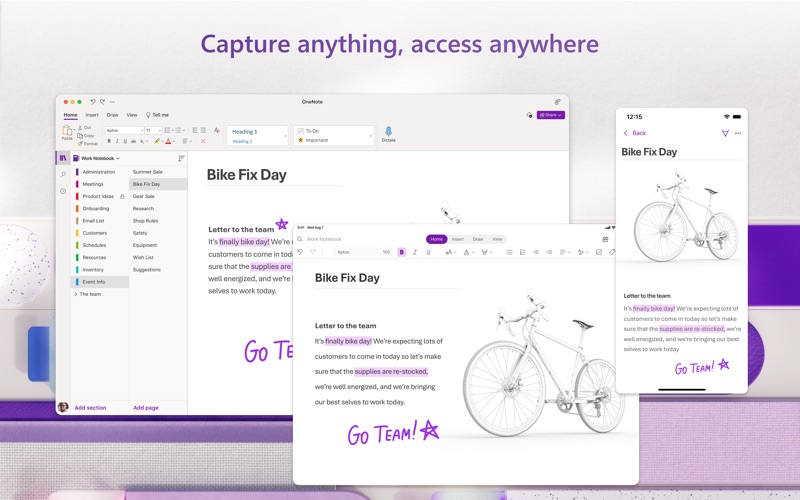
Teamwork is a core strength of this application. By syncing your notebooks to cloud environments like OneDrive or SharePoint, you can collaborate with colleagues in real time using a shared digital notepad. Whether you are brainstorming project timelines or sharing meeting minutes, updates propagate instantly across connected devices, ensuring everyone on your team stays aligned.
Is It Right For You?
The Microsoft OneNote digital notebook is an exceptional productivity hub for anyone seeking a flexible, highly visual way to centralize information. If you are ready to elevate your planning and brainstorming, you can explore the application further and find it listed directly on the official Mac App Store.
Rate the App
User Reviews











Popular Apps






Editor's Choice