

Latest Version
Microsoft Corporation
General
Mac
Free
823766827
Report a Problem
More About Microsoft OneDrive
The Ultimate Solution for Seamless Mac Cloud Storage
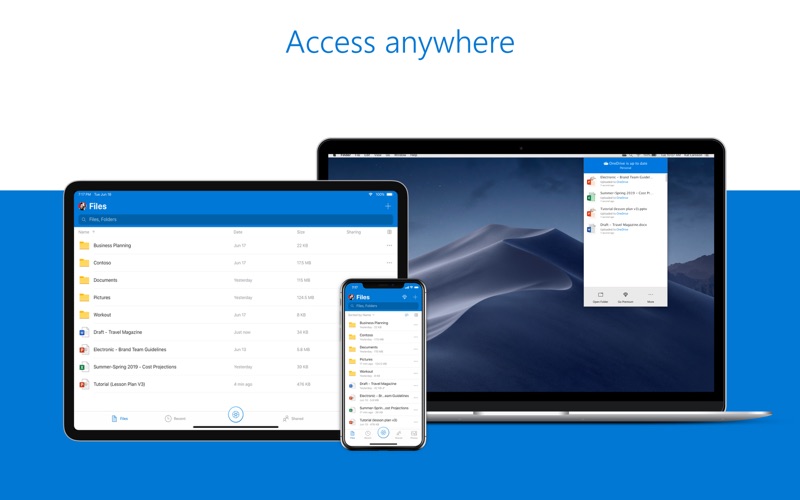
Imagine working on a critical business presentation on your Mac at the office, only to realize you need to make a quick edit while sitting in a coffee shop with only your tablet. Without a reliable cloud backup, this scenario leads to panic. OneDrive cloud storage solves this exact problem by ensuring your digital life is securely backed up, continuously synced, and accessible from any device you own.
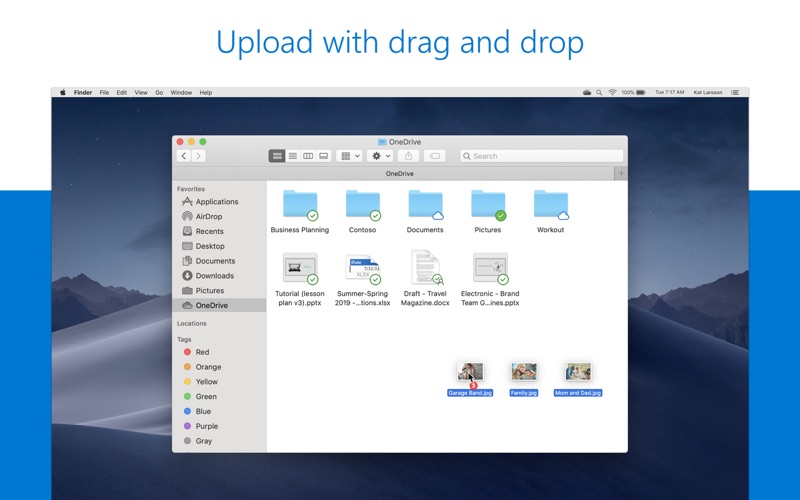
Developed by Microsoft Corporation, this application integrates deeply with macOS, providing Mac users with a highly secure environment to preserve photos, personal documents, and professional files. Whether you are looking to free up local hard drive space or collaborate with colleagues in real time, it bridges the gap between local productivity and cloud flexibility.
Key Features of OneDrive Cloud Storage
This platform offers a robust suite of tools designed to optimize how you store and share digital assets. Here are the standout features available for Mac users:
- Files On-Demand: Save valuable local storage space on your Mac by keeping files in the cloud until you actually need to open them.
- Advanced Protection and Security: Your files are fully encrypted in transit and at rest. Features like ransomware detection and recovery help safeguard your critical data from malicious threats.
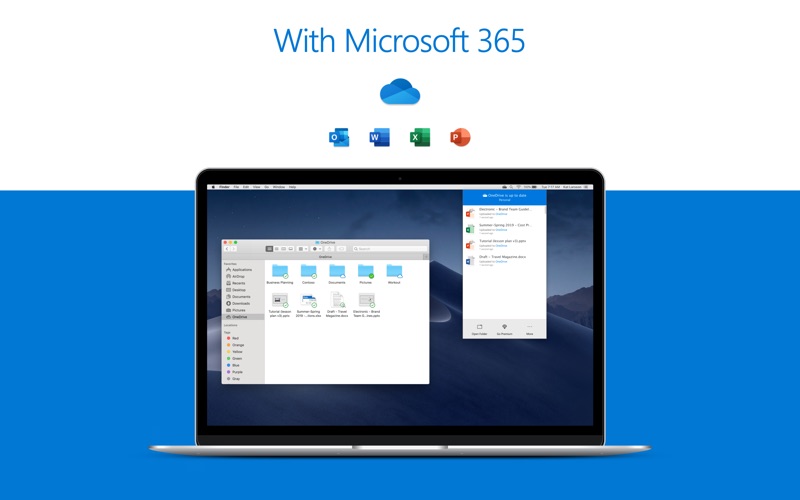
- Seamless Microsoft 365 Integration: Work effortlessly alongside others in real time using popular productivity applications like Word, Excel, PowerPoint, and OneNote.
- Personal Vault: Keep your most sensitive documents under an extra layer of security, accessible via web browser.
- Version History: Easily restore previous drafts of your documents, ensuring you never lose important edits or accidentally overwrite critical data.
Who Is This Cloud Storage Solution For?
This application is highly versatile, making it an excellent fit for various user profiles. Creative professionals working on macOS can safely back up heavy design assets without cluttering their local drives. Students can write papers and access their research materials across their smartphones, tablets, and computers. For remote teams, the real-time collaboration capabilities make it an indispensable tool for maintaining productivity across different locations.
Getting Started with Microsoft OneDrive
Mac users can begin their cloud journey with 5 GB of free cloud storage, which is perfect for essential documents and daily backups. For those requiring extensive storage, upgrading to a Microsoft 365 subscription unlocks 1 TB of storage along with premium access to the full suite of Microsoft productivity applications.
To secure your files and streamline your workflow, check out the official Mac App Store to explore the application and find the plan that best fits your digital lifestyle.
Rate the App
User Reviews










Popular Apps






Editor's Choice